LangWatch
LangWatch is an all-in-one LLMOps platform for monitoring, observability, analytics, evaluations and alerting for getting user insights and improve your LLM workflows.
Integrate LangWatch observability
The official Orbis Studio Docker images (langflowai/langflow and langflowai/langflow-nightly) run on Python 3.14, and the langwatch package doesn't yet support Python 3.14 (it requires Python <3.14). As a result, LangWatch tracing is not available in the default Docker images even when LANGWATCH_API_KEY is set. Orbis Studio logs a warning on the first flow run and continues without LangWatch tracing.
To use LangWatch, run Orbis Studio on Python 3.10–3.13, such as the PyPI distribution (pip install langflow) or the Orbis Studio desktop app. If you need a container, build a custom image on a Python 3.10–3.13 base.
To integrate with Orbis Studio, add your LangWatch API key as an Orbis Studio environment variable:
-
Get a LangWatch API key from your LangWatch account.
-
Add the key to your Orbis Studio
.envfile:_10LANGWATCH_API_KEY="API_KEY_STRING"Alternatively, you can set the environment variable in your terminal session:
_10export LANGWATCH_API_KEY="API_KEY_STRING" -
Restart Orbis Studio with your
.envfile, if you modified the Orbis Studio.env:_10langflow run --env-file .env -
Run a flow.
-
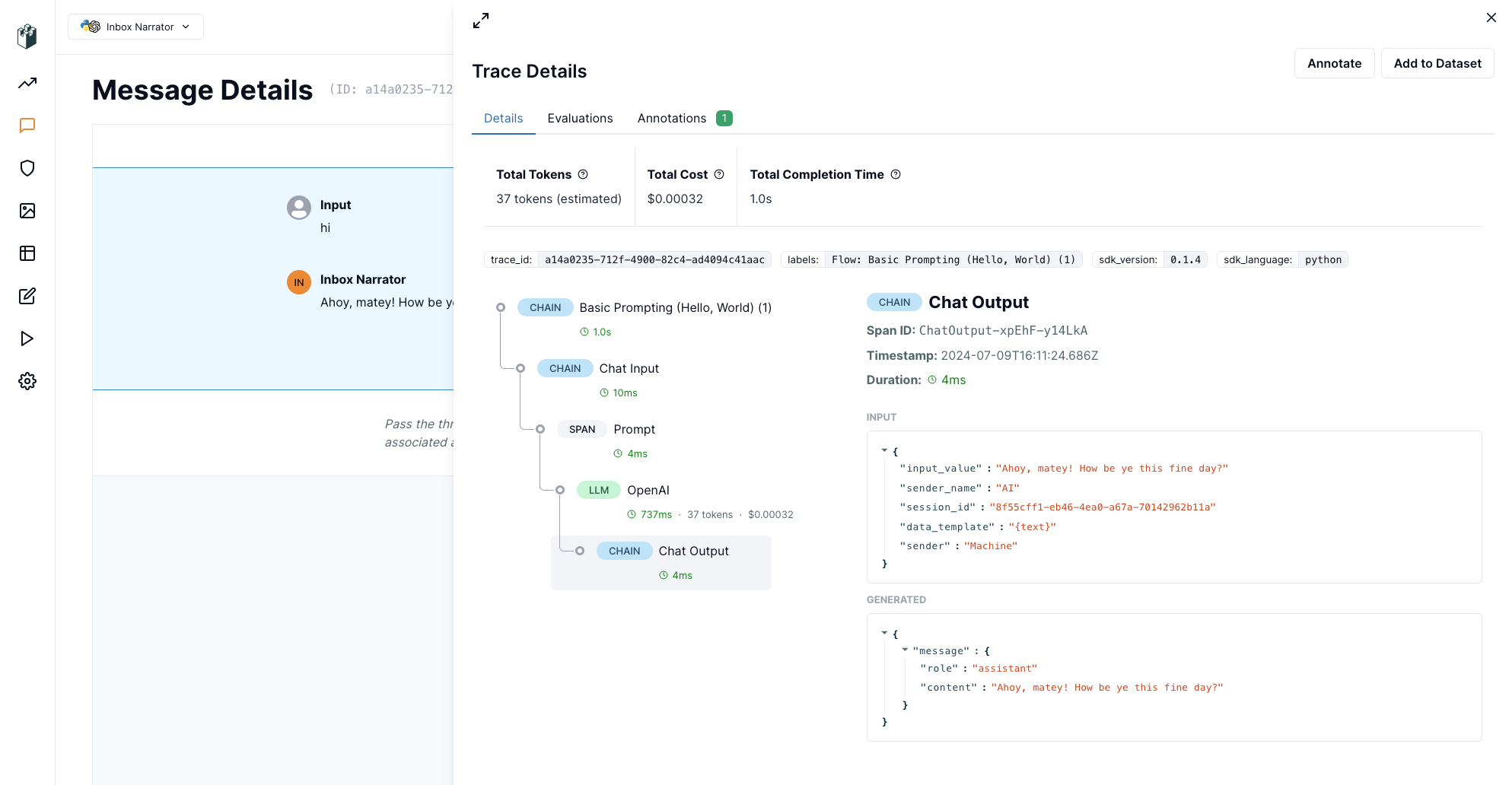
View the LangWatch dashboard for monitoring and observability.
Use the LangWatch Evaluator
In your flows, you can use the LangWatch Evaluator component to use LangWatch's evaluation endpoints to assess a model's performance. This component is available in the LangWatch bundle.